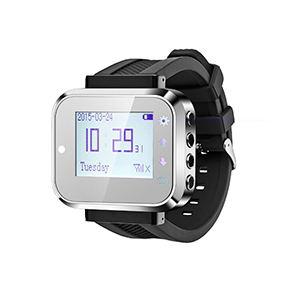
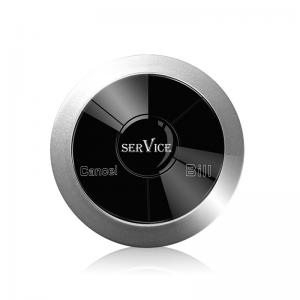
How Queue Management System works?
1. Customer go to the Service station and take a number ticket by Thermal printer.
2. Customer wait for their service.
3. When it is their turn, the counter worker will press the number+ENT to call.
4. The customer's number will show on the display screen with prompt sound, so that customer know which counter they should attend.
-
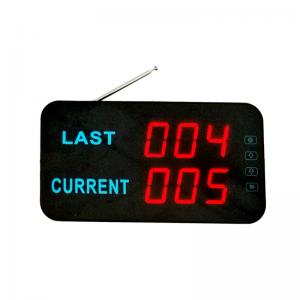
Wireless simple queue manage system
Queue display can show last number and current calling number
Customer no need to queue for a long time, he can sit on the rest place, to create a pleasant environment for them, making your restaurant more attractive.
Read more
-

Thermal Printer for paging queue manage system
Thermal Printer (Don't need ink) for queue system
Can press the button to take a ticket for queue
Can print two same number at a time if you need
Can show waiting number if you need.
Can edit the content by software (Right one)
Read more
-
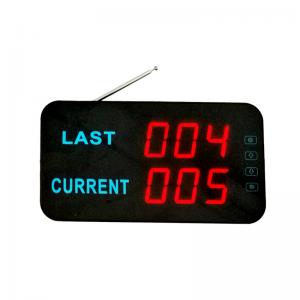
Queue ticketing system display
Wireless signal receiver for queuing LED counter display for queuing
Wireless queue display receiver can show 3-digit number
LED counter display can show last number and current calling number
K-Q23 queue display have touch screen and English prompt voice
Read more
-
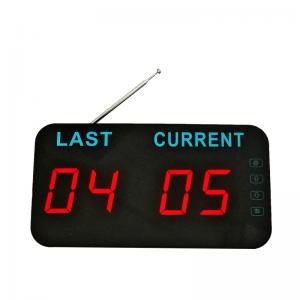
Queue manage system display
Wireless signal receiver for queuing LED counter display for queuing
LED counter display can show last number and current calling number
K-Q22 queue display have touch screen and English prompt voice
Read more
-
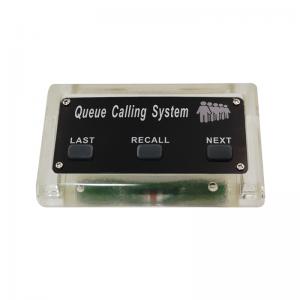
Simple queue system transmitter
K-GSN queue button have 3-key: LAST, RECALL, NEXT
Signal Distance: 200M in open area
Material: Acrylic+waterproof silicone
Color: Transparent with Black/Silver screen
With two 12V 23A battery
Read more
-
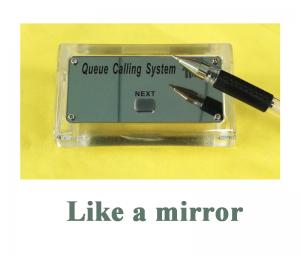
Bank queue system button
Single key K-GSN1 NEXT can add the number one by one
K-GSN1 queue button material: Acrylic+waterproof silicone
Color: Transparent with Black/Silver screen
Read more
<<
1
2
3
4
...
8
>>
[ A total of 8 pages]





 English
 español
 العربية